
Create Account
Enable Two Factor Authentication in WhatSales
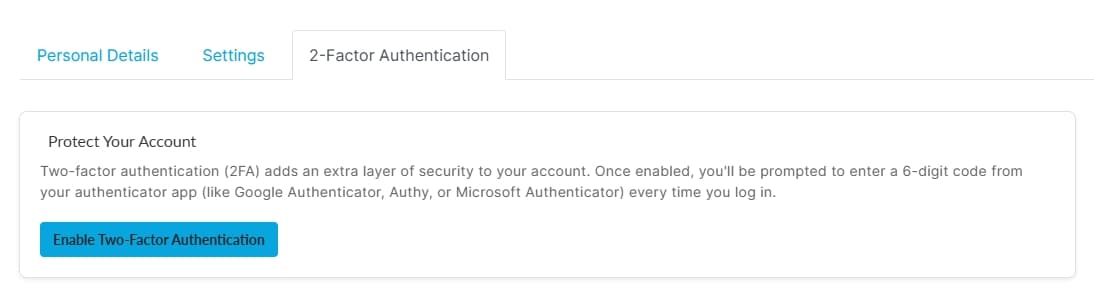
Two-factor authentication adds an extra layer of security to your WhatSales account. When enabled, you must enter a 6 digit verification code from your authenticator app each time you log in. This prevents unauthorized access even if someone knows your password.
Supported authenticator apps include
- Google Authenticator
- Microsoft Authenticator
- Authy
Step-by-step guide
- Log in to your WhatSales account
- Click your profile icon at the top right corner
- Click Profile (Direct Link: https://app.whatsales.io/MyProfile)
- Open the 2 Factor Authentication tab
- Click Enable Two Factor Authentication
- Scan the QR code using your authenticator app
- Enter the 6-digit verification code from the app
- Confirm to activate Two Factor Authentication
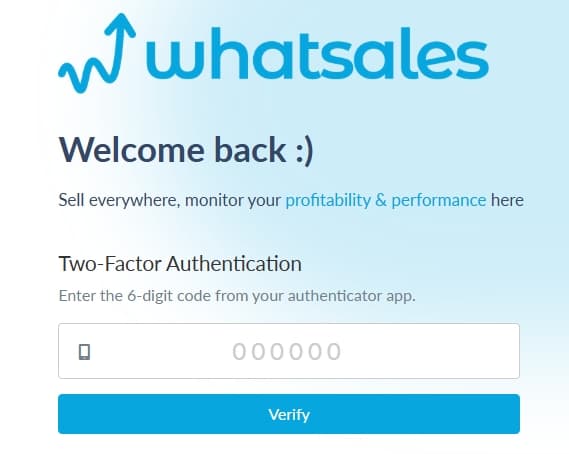
What happens after enabling
- Every login will require a 6-digit code from your authenticator app
- Your account becomes more secure against unauthorized access
- Only you can access the account even if your password is compromised