
Connect Your Platforms
Wayfair
Connect Wayfair with WhatSales
To connect Wayfair, follow the following steps:
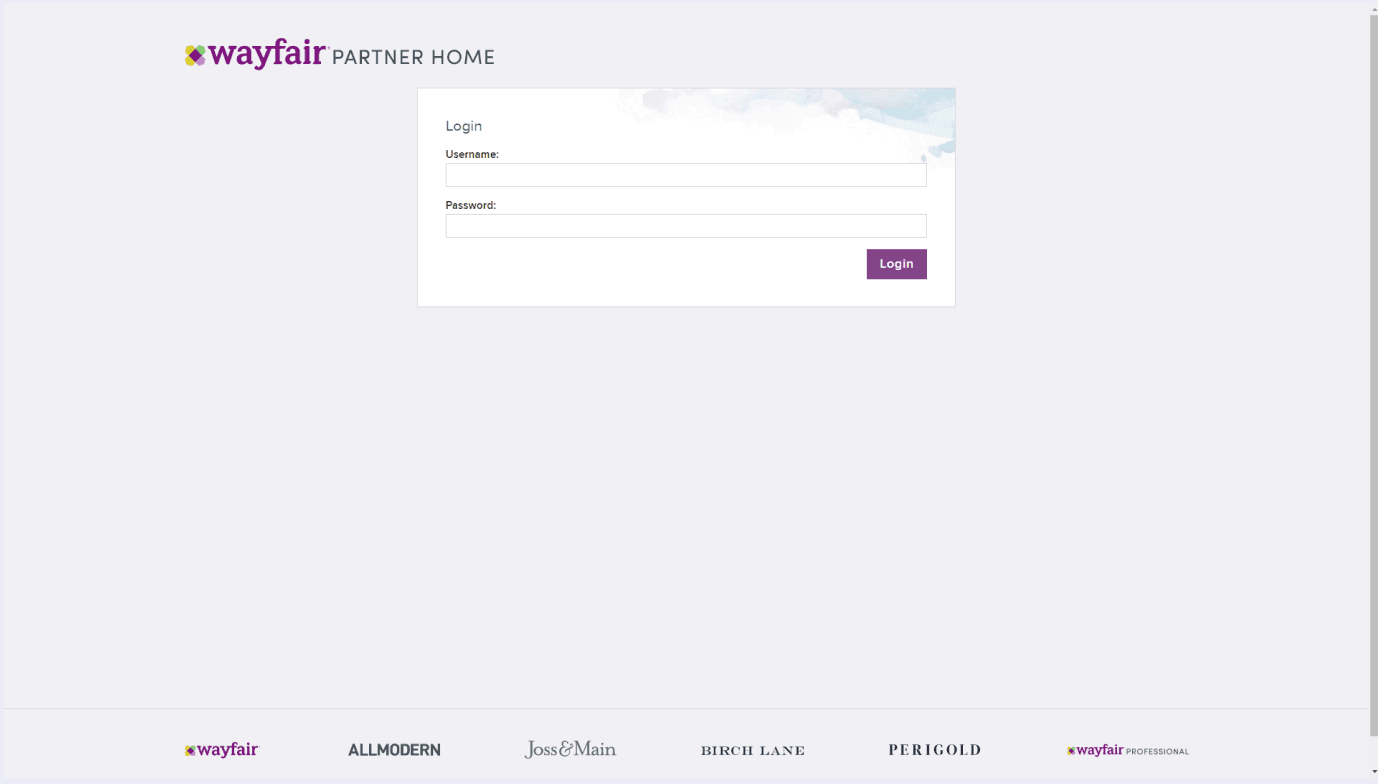
1. Open your web browser and navigate to the login page for the Wayfair developer platform. Log in to your account using your email address and password.
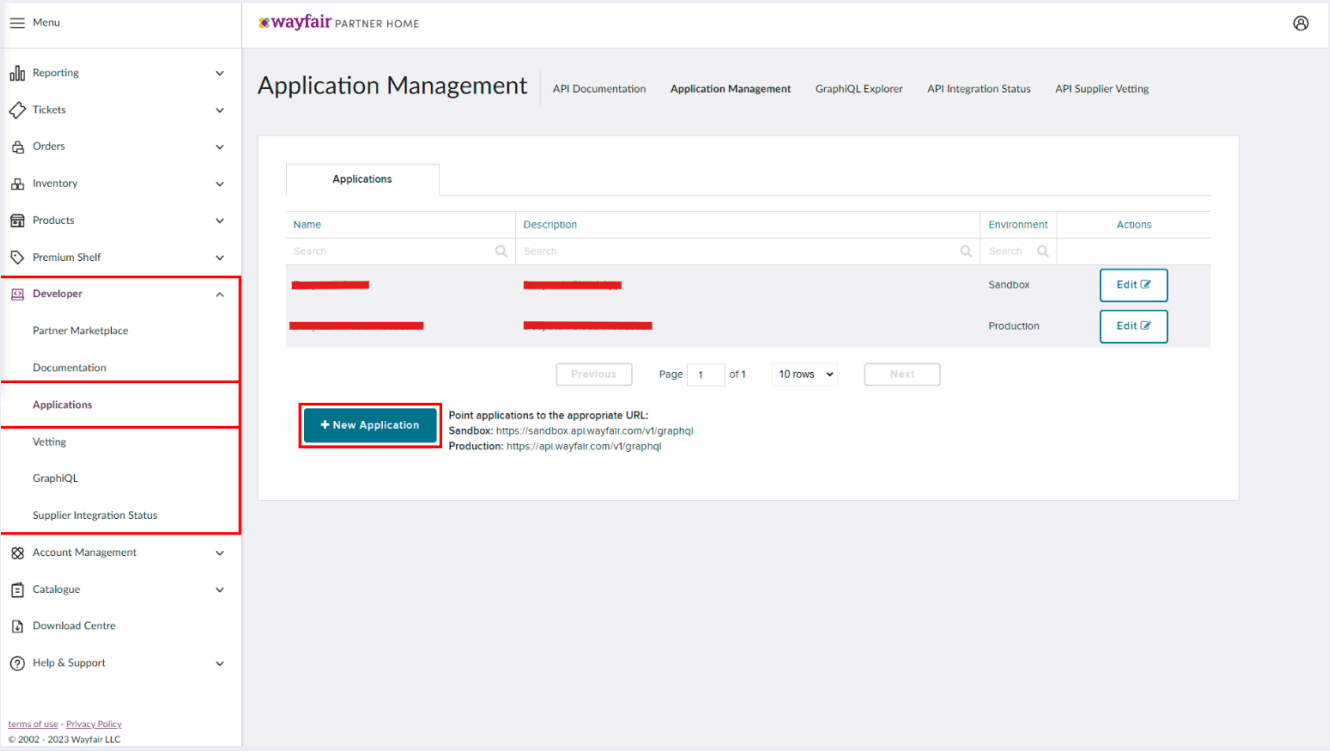
2. Once logged in, expand the "Developer" menu from the left-hand bar and click the "Applications" button. It will take you to the "Application Management" page.
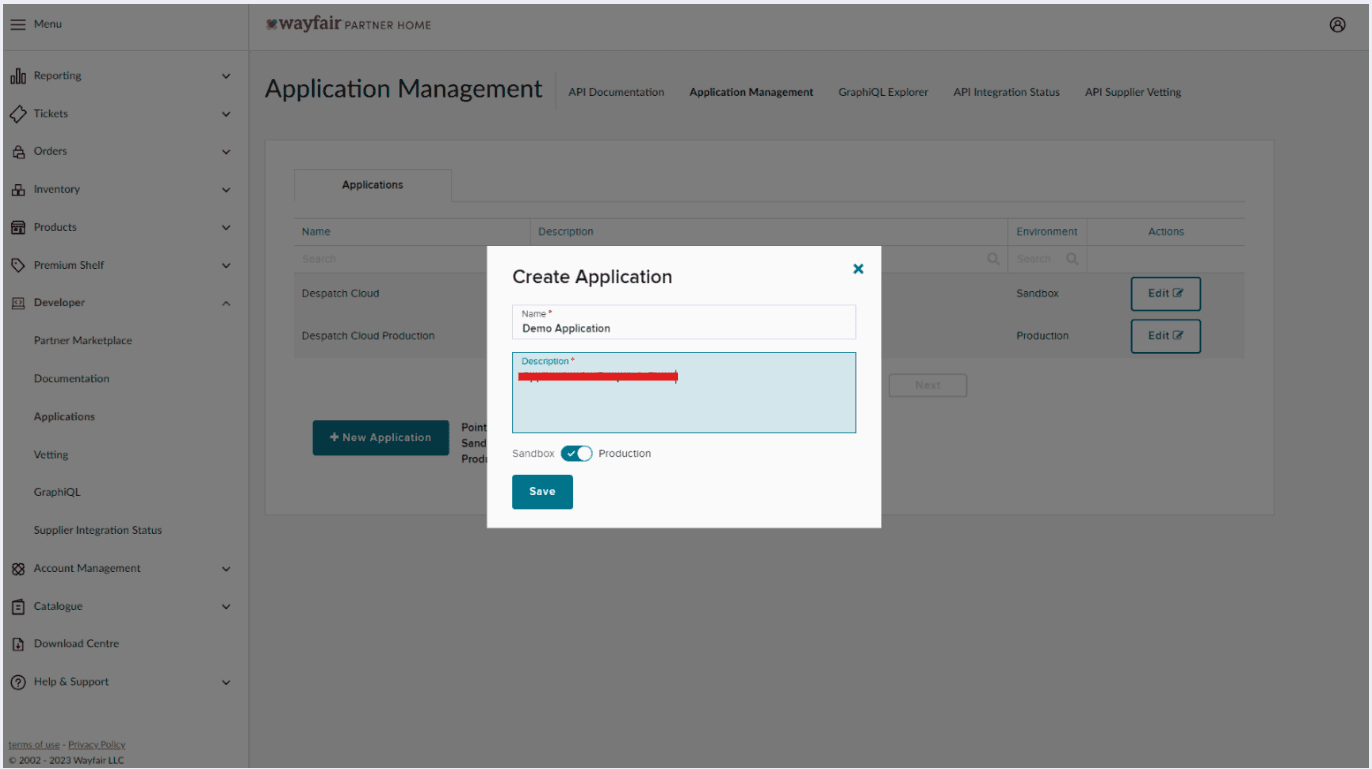
3. On the "Application Management" page, click the "New Application" button to create a new set of API keys. You will then be prompted to give a "Name" and a "Description" to your application. Make sure the switch is enabled for "Production" as shown in the picture. Once you have filled in the necessary information, click "Save".
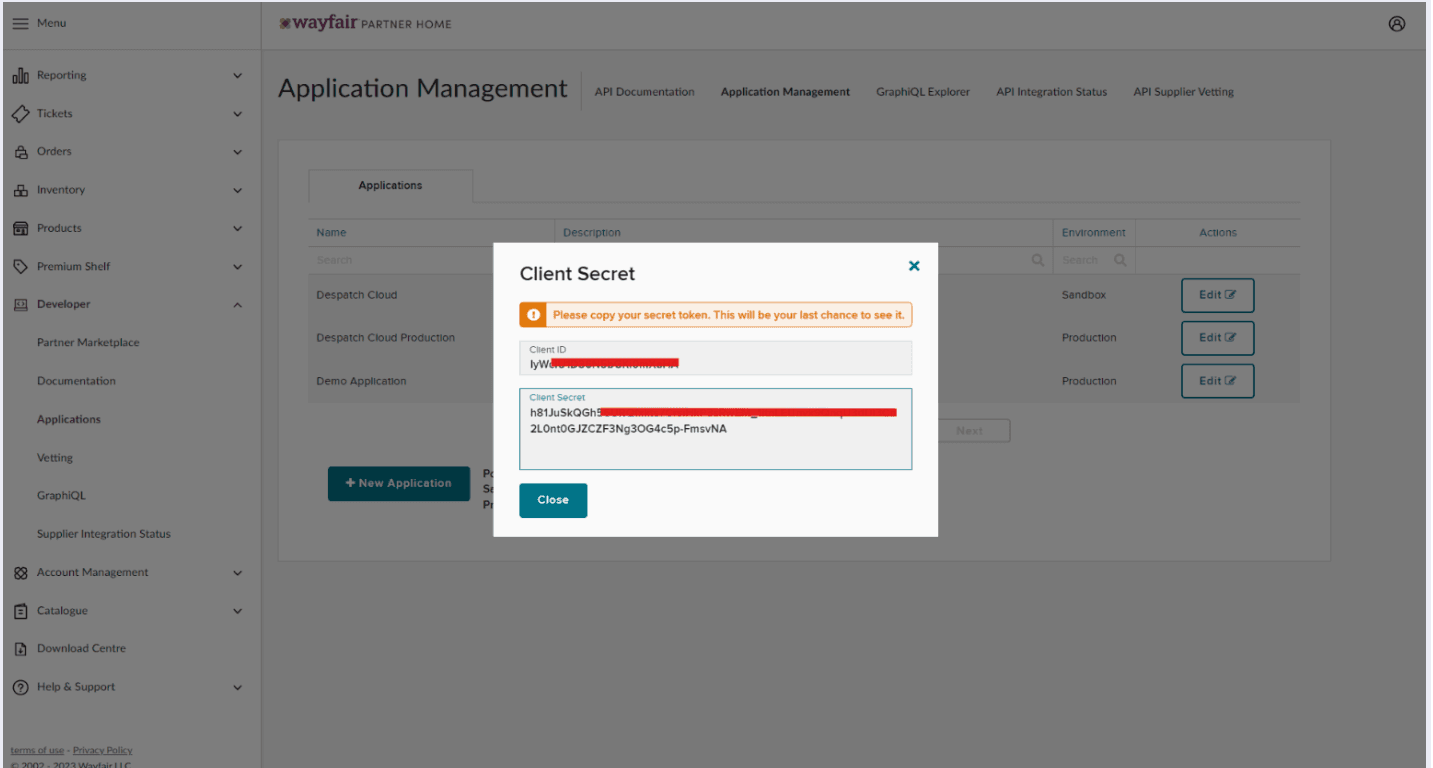
4. After clicking the "Save" button, you will be given your "Client ID" and "Client Secret". It is important to note these down, as you won't be able to see these later on.
5. Now Copy and Paste Client ID and Client Secret into WhatSales.